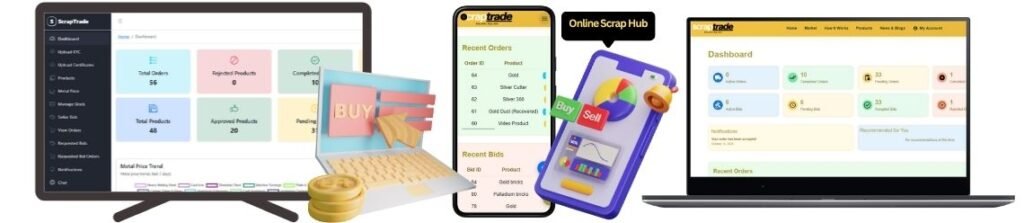
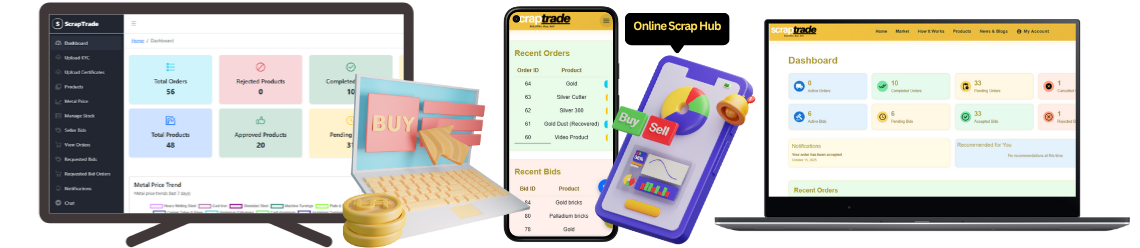
Selling scrap online has never been easier thanks to the ScrapTrade App, Australia’s trusted scrap trading platform. A key feature that makes trading efficient is the ability to upload photos and set prices for your scrap metal directly in the app. This helps attract verified scrap buyers and ensures you get the best market value for your materials. Here’s a step-by-step guide to help you get started.
Why Uploading Photos and Prices Matters
Listing your scrap metal with accurate photos and pricing is crucial because:
- Builds Buyer Trust: Clear images showcase the quality and type of scrap, helping buyers make informed decisions.
- Increases Sales Chances: Listings with photos attract more attention compared to text-only entries.
- Ensures Fair Pricing: Setting competitive prices aligned with live market rates encourages quicker transactions.
- Streamlines Negotiation: Buyers can instantly see what you’re offering, reducing back-and-forth communication.
Step-by-Step Guide to Uploading Scrap Metal Photos and Prices
1. Download and Log In to ScrapTrade App
Start by downloading the ScrapTrade App from your device’s app store. If you don’t have an account, register here. Once registered, log in with your credentials.
2. Access Your Dashboard
Upon logging in, navigate to your seller dashboard, where you can manage your scrap yard or personal listings.
3. Add a New Scrap Listing
- Click on the “Sell Scrap” button.
- Choose the type of scrap metal you want to list copper, aluminum, steel, e-waste, or precious metals.
4. Upload Photos
- Click on “Upload Photos”.
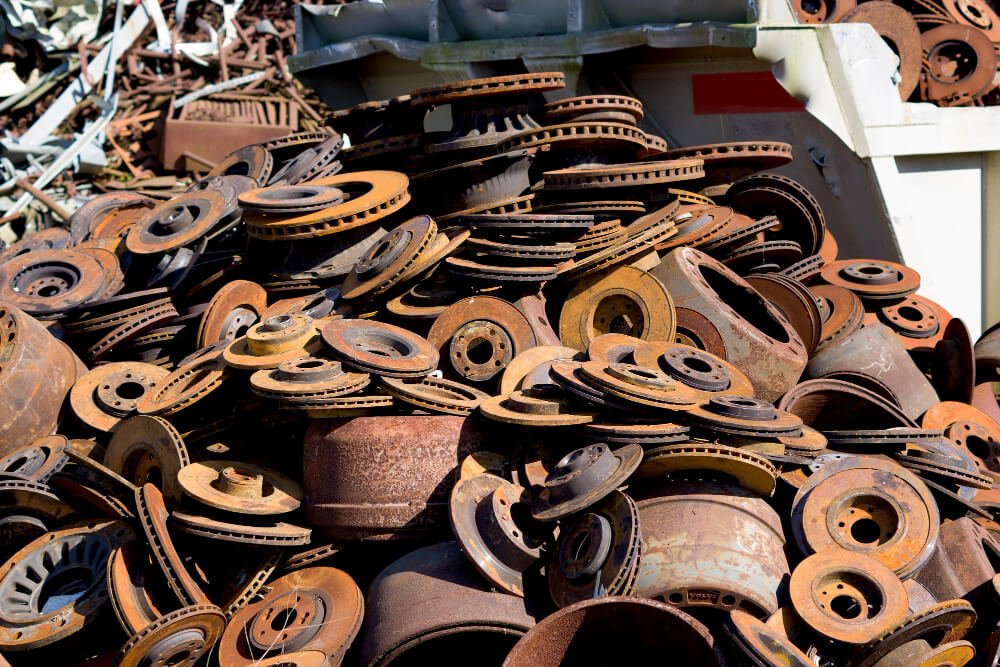
- Select high-quality images from your device that clearly show the scrap’s condition, size, and quantity.
- You can upload multiple photos for better buyer clarity.
5. Set Scrap Prices
- Enter the price per kilogram or per ton based on current market rates.
- ScrapTrade offers real-time market analytics to help you price your scrap competitively.
- Include any special details like purity, grade, or weight variations.
6. Add Additional Details
- Specify quantity available, location, and preferred delivery method.
- Add any notes or special instructions for buyers.
7. Submit Listing
- Review your listing carefully to ensure all information is accurate.
- Click “Submit” to publish your listing on the ScrapTrade platform.
Tips for Effective Listings
To make your scrap listings stand out:
- Use Clear, Well-Lit Images: Avoid blurry or dark photos. Buyers need to see the scrap clearly.
- Be Honest About Condition: Accurate descriptions prevent disputes and build long-term trust.
- Check Market Rates Regularly: Adjust prices based on ScrapTrade’s real-time analytics to stay competitive.
- Respond Quickly to Buyer Queries: Prompt replies increase the likelihood of closing deals.
Benefits of Uploading Photos and Prices on ScrapTrade
- Attract More Verified Buyers: High-quality listings draw attention from serious buyers Australia-wide.
- Secure Transactions: Every deal is escrow-protected, ensuring safe payments.
- Time-Saving: Reduce unnecessary calls and negotiations by providing all details upfront.
- Enhanced Transparency: Buyers can see exactly what they are purchasing, reducing conflicts.
Conclusion
Uploading photos and setting prices on the ScrapTrade App is a simple yet powerful way to sell scrap metal online. By providing clear visuals and competitive pricing, you attract verified scrap buyers and increase your chances of closing deals quickly and securely.
Start listing your scrap today on ScrapTrade and experience a trusted, efficient, and profitable scrap trading platform.